Design boldly.Publish confidently.
Catch copy, contrast and margin issues before you publish.
Drop your artwork here
Images, PDFs & SVG · Up to 25 MB
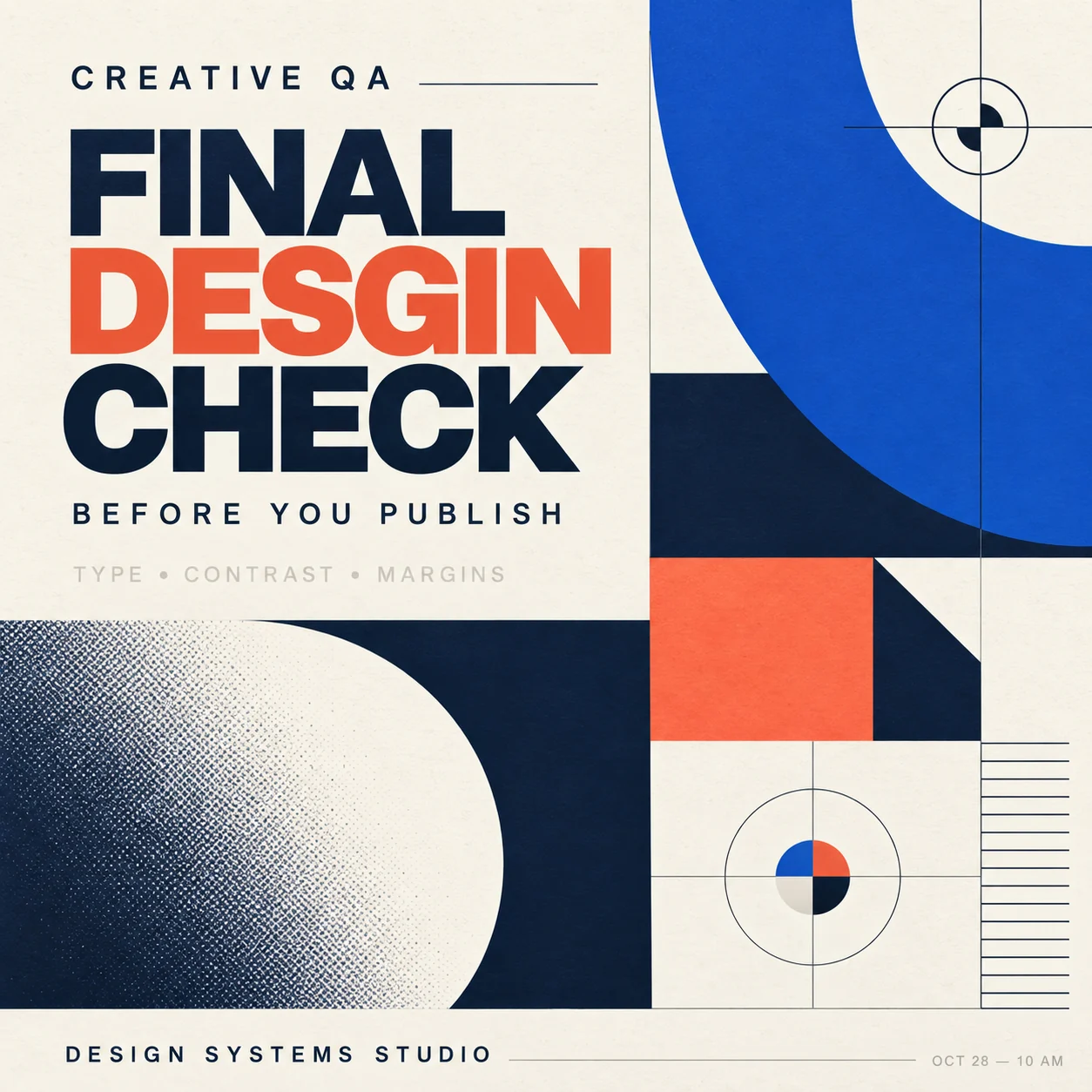
Misspelled poster headline
Pale text on a cream background
Misspelled poster headline
Pale text on cream
Also try
Catch Costly Design Mistakes Before Publishing or Printing
Spellense AI Design Check acts as an automated visual pre-flight inspector for Canva graphics, Figma exports, social media ads, flyers, and multi-page PDFs. Combining multimodal vision AI and mathematical pixel analysis, it audits spelling typos, WCAG contrast ratios, and bleed margin safe-zones in seconds.
How Design Check Works
Upload Artwork
Drop high-res PNG, JPG, WebP images, or multi-page PDF documents up to 25 MB.
Automated Inspection
Parallel algorithms compute WCAG contrast ratios, bleed safe-zones, and multimodal copy proofreading.
Interactive Fixes
Click squiggly markers directly on the canvas to inspect, whitelist, or copy recommended fixes.
Engineered for Agency & Print Precision
WCAG Contrast Math
Measures pixel luminance ratio between text and its underlying background to guarantee 4.5:1 AA readability under harsh sunlight.
Margin & Bleed Safe-Zones
Identifies critical copy, discount codes, or logos placed within 3.5% of canvas borders, preventing print cutting or social app UI cropping.
AI Copy & Headline QA
Multimodal vision AI proofreads visible slogans, body text, and banners to catch grammar errors, typos, and repeated words.
Multi-Page PDF Support
Render multi-page catalogs, brochures, or slide decks page-by-page with full pagination and consolidated multi-page audit scoring.
100% In-Memory Privacy
No disk retention, no permanent database storage, and no AI model training on your artwork. Ephemeral and strictly private.
Exportable QA Reports
Download agency-grade pre-flight quality reports formatted with line-by-line findings, severity rankings, and actionable fixes.
Design Check FAQ
Everything you need to know about pre-flight quality checks, Canva & Figma designs, WCAG contrast, and PDF print margins.
Explore More Free Creative Tools
Extract editable text from images, photos, and scanned PDFs instantly with OCR.
Create custom QR codes and verify camera scannability before printing.
Compress JPG, PNG & PDFs with live split comparison and no quality loss.