Turn pages.Like a real book.
Drop a PDF or some photos. Get a book you can flip and share.
- 1Add PDF or photos
- 2Pick a style
- 3Download & share
Drop a PDF or your photos here
Each photo becomes a page · PDF, JPG, PNG & WebP · 50+ pages
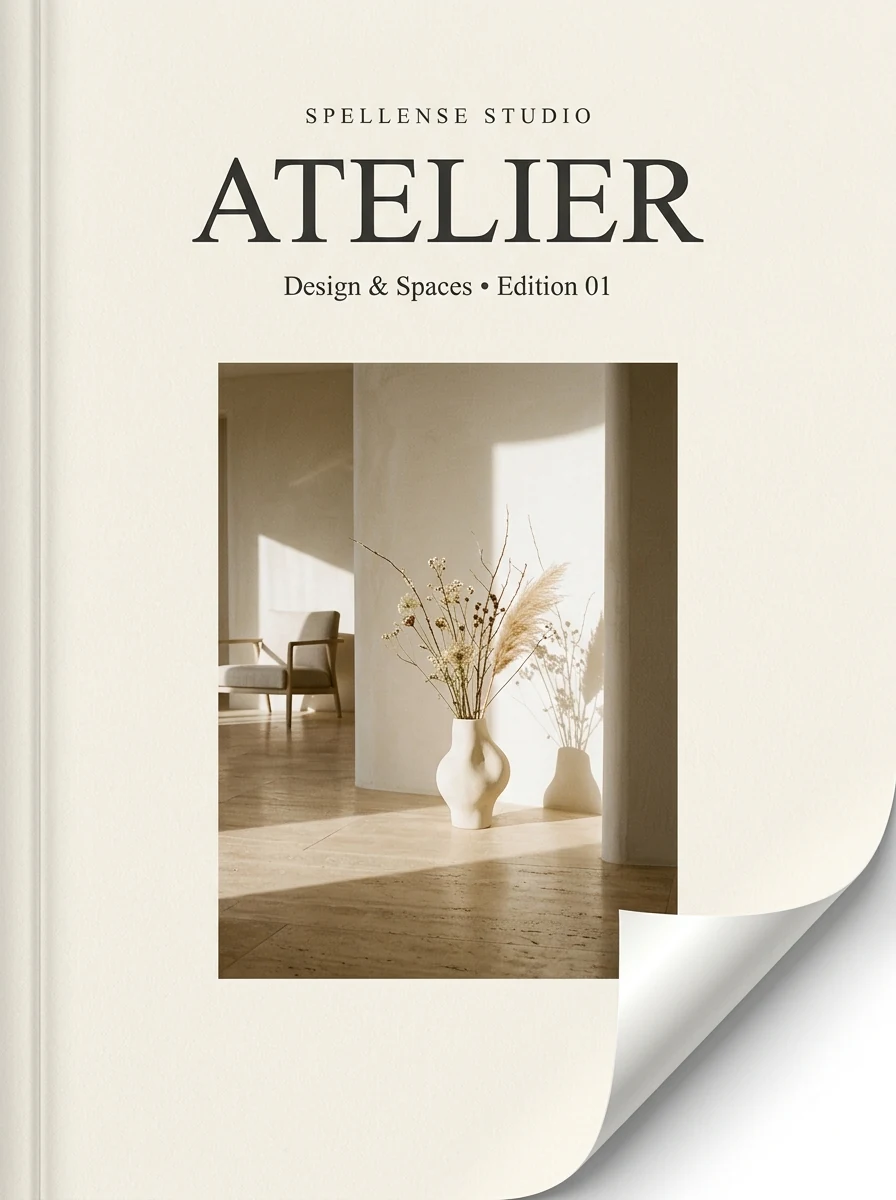
Realistic page curl & sound
Click cover to open interactive 3D flipbook
Click cover to open interactive 3D flipbook
They look like two-page spreads. How would you like to display them?
3D Flipbook Studio
Interactive 3D Book & Page-Turn Engine
Templates
Templates set the book style, page turn and background together. You can change each one below.
Book style
Page turn
Finish
Flip effect
This style does not use flip effects. Switch to Spread, Hardback or Classic to see it.
Inside-cover image
Hardcover edition
Title & subtitle
Logo

Background
Presets
CustomColors, gradient, photo
Tip: tap a page, then Link to add clickable areas (website, email, WhatsApp, go to page).
Wide pagesAdvanced
Page turn sound
Plays in the page-turn styles: Spread, Hardback, Classic.
How to share
1. Send the file
Download the offline HTML and send it by email, WhatsApp or Google Drive. For books with many pages, choose “Small file” first.
2. Show it live
Use “Preview in New Tab” for meetings and screen sharing. No upload needed.
3. Put it online
Upload the HTML file to a free host such as Netlify Drop or GitHub Pages (check their current free limits), then share the link.
Embed on a website
Host your exported HTML file on your web hosting or CDN, then enter its URL below to generate the embed code:
Brand kit transfer
Your chosen style, custom cover, title, logo, and palette automatically save locally. Export as JSON to reuse across devices or teammates.
Check typos before you publish?
Scan your PDF or images through our spellchecker
How Spellense Flipbook Works in 3 easy steps
Drop PDF or Images
Upload any brochure, catalog, portfolio, or magazine. All rendering happens safely in-browser with zero server uploads.
Pick 3D Style & Hardcover Edition
Choose from 13 interactive 3D display styles (Spread, Carousel, etc.) and 12 authentic hardcover editions with leather, cloth, luxury foil, and realistic paper sound.
Download Offline HTML
Get a standalone interactive HTML file with embedded 3D flipping engine. Opens offline on Windows, Mac, iOS, or Android without internet.
Flipbook Maker FAQ
Everything you need to know about creating, customizing, and embedding 3D digital flipbooks.
Is the flipbook maker really free, and do I need to sign up?
Yes, it is 100% free with no sign-up, no watermark, and no hidden subscriptions. You can create and export as many flipbooks as you want.
Are my confidential PDFs or catalog images uploaded to any server?
Never. Spellense processes your PDF pages and images 100% locally inside your browser memory using WebAssembly and HTML5 Canvas. Your documents never leave your device.
What styles are included?
Spellense has 13 display styles: 3 page-turn styles (Spread, Hardback, Classic) and 10 browse styles (Glide, Deck, Arc, Single, Scroll, Wall, Fan, Carousel, Calendar, Fade). Hardback offers 12 book editions: 7 Classic, 4 Luxury and Your Own Cover.
Can I use my own logo and remove Spellense branding?
Yes. You can upload your company logo, set a custom publication title and description, and the 'Made with Spellense' badge is completely optional and off by default.
Does the downloaded flipbook work offline without internet?
Yes! When you click 'Download offline HTML', you receive a self-contained single HTML file with the realistic 3D flipping engine, zoom, sound, and all your pages embedded. Open it in a modern browser (Chrome, Edge, Safari or Firefox) on a computer. On phones it depends on the app that opens the file, so for phones the most reliable way is to host the file online and share the link.
How do I share my flipbook?
Download the offline HTML and send it by email, WhatsApp or Drive, show it with Preview in New Tab, or upload the file to a free host such as Netlify Drop or GitHub Pages and share the link. Choose “Small file” in the export quality menu for books with many pages. For step-by-step instructions on offline sharing and web embedding, read our complete guide: How to Convert PDF to 3D Flipbook.
What if my PDF catalog or image file size is too large?
If your source PDF has high-resolution print assets making the file too heavy, you can easily optimize and reduce its file size using our Free Image & PDF Compressor before generating your 3D flipbook.
Explore More Free Creative Tools
Crafted for marketing teams, art directors, graphic designers, and founders who need flawless client deliverables.