Extract text.From any photo or PDF.
Fast, private OCR that pulls clean, editable text from screenshots, scanned documents, and images. Zero data retention.
Upload Document
Drop your image or PDF here
JPG, PNG, WebP, PDF & Office files · Up to 25 MB
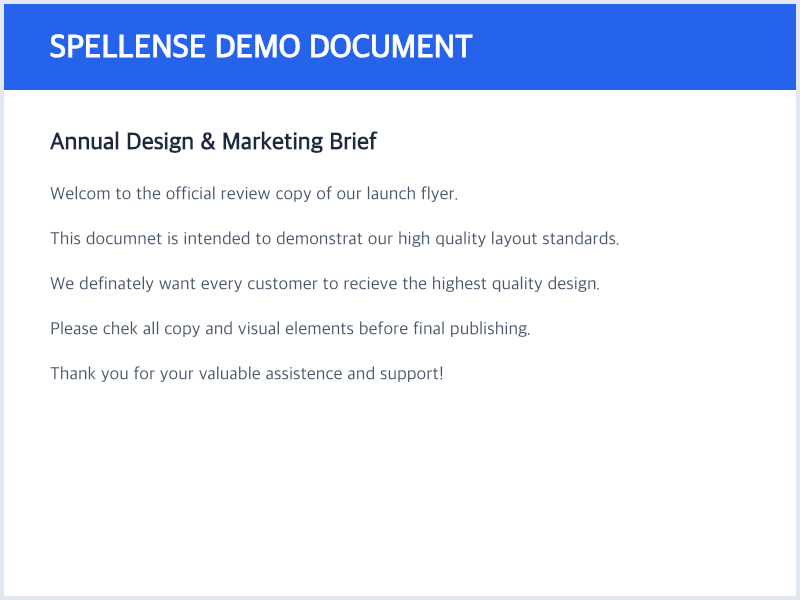
Annual Design & Marketing Brief...
Welcome to the official review copy of our launch flyer. This document demonstrates our layout standards.
In-memory OCR • Zero data retention
Annual Design Brief...
In-memory OCR • Zero data retention
Convert Photos, Scans, and PDFs into Clean Editable Text
Spellense Optical Character Recognition (OCR) converts flattened images, screenshots, smartphone pictures, and multi-page scanned PDF documents into selectable, copyable digital text with zero data retention and no sign-up required.
How to Extract Text in 3 Easy Steps
Effortlessly transform screenshots, photos, and scanned PDF documents into editable text in seconds:
Upload Image or PDF
Drop any JPG, PNG, WebP image, or multi-page scanned PDF up to 25MB. No account, registration, or credit card required.
In-Memory Optical Scan
High-accuracy OCR scans letterforms and pixel matrices, extracting text tokens while preserving original paragraphs and line breaks.
Copy, Save, or Proofread
Copy to clipboard with one click, save as a clean .txt file, or carry directly into our proofreading engine to catch hidden typos.
Why Use Spellense Image to Text Converter?
Engineered for graphic designers, researchers, students, and professionals who need accurate text extraction without privacy compromises.
High-Resolution OCR
Recognizes text from varied font families, contrast ratios, and complex flyer layouts with state-of-the-art accuracy.
Zero Server Storage
100% ephemeral in-memory RAM processing. Your confidential screenshots, receipts, or contracts are never stored to disk or used for AI training.
Paragraph & Line Breaks
Unlike primitive OCR engines that bunch text into a single messy block, Spellense retains your original line breaks.
Scanned PDFs Handled
Easily convert scanned multi-page PDF documents without native text layers directly into plain text without external software.
One-Click Proofreading
Extracted text can be immediately passed to our spell checking engine with one click to highlight and fix any typos.
No Signup, No Limits
No subscription gates, credit card requirements, or daily scan quotas. Enjoy generous 25MB file limits anytime.
Image to Text FAQ
Everything you need to know about extracting text from images, photos, and scanned documents with Spellense.
Photo to Text: How to Convert an Image to Text Free
Simple steps, phone shortcuts (Live Text & Google Lens), and fixes for blurry photos.
Read guide→Explore More Free Creative Tools
Fit photos and ID cards on one A4 or custom page at exact physical mm scale.
Lossless & lossy image compression with side-by-side comparison slider.
Create custom QR codes and verify camera scannability before printing.