Compress image to 100 KB.Right in your browser.
Get a JPG, PNG or WebP image under 100 KB for ID photos, profile pictures and attachments. Free, no sign-up, and your file stays on your device.
Drop your images here
JPG, PNG, WebP & PDF · Up to 50+ files
Zero visual quality loss
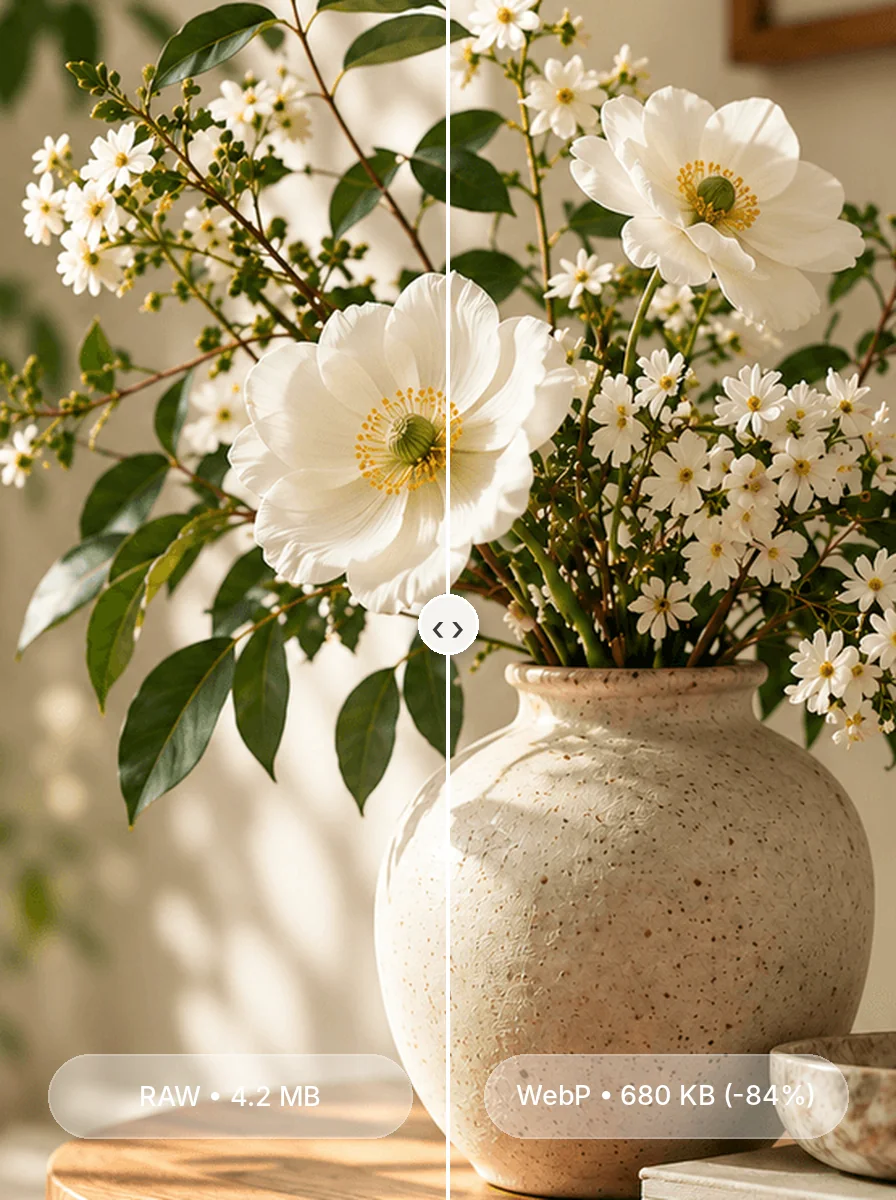
Click image to test live split comparison slider
Click image to test live split comparison slider
Also try
How Spellense Compressor Works in 3 easy steps
Drop Images or PDF Catalogs
Upload JPG, PNG, WebP, AVIF, or multi-page PDF catalogs. All compression happens safely in-memory with zero server uploads.
Realtime Squoosh Split Slider
Slide to visually inspect original vs compressed side-by-side. Zoom up to 2× to guarantee crisp logos, text, and edges.
Download Single or Batch ZIP
Save single optimized images instantly, or export 50+ compressed images and catalog pages in a neat, organized ZIP archive.
Image Compressor FAQ
Everything you need to know about compressing images and multi-page catalogs without losing quality.
Does compressing an image change its dimensions (width & height)?
No. Spellense strictly locks and preserves your exact pixel dimensions. For example, a 1200×1200 image remains 1200×1200 after compression. We apply perceptual compression and remove bloat so your layout remains sharp without shrinking resolution. The only exception is the optional Target file size: if an image cannot get under your KB limit even at low quality, it is made slightly smaller and the result tells you the new size.
How does the Squoosh-style split comparison work?
Our interactive split-screen slider lets you drag a vertical divider line across your image. The left side shows your original uncompressed image, and the right side shows the compressed result in real time. You can zoom up to 2× to verify that text, logos, and edges remain razor sharp.
Can I compress multiple images or multi-page PDF catalogs at once?
Yes! You can drop 10, 20, or more images at once, or drop a multi-page PDF catalog. Spellense automatically processes all pages and lets you download individual files or download everything in a single, organized ZIP archive. If you want to transform your compressed catalog into an interactive digital publication, try our Free 3D Flipbook Maker.
Are my confidential design files or client images uploaded to any server?
Never. 100% of the image compression takes place locally inside your browser using HTML5 Canvas and browser WebAssembly. Even faster than our spellchecker — your files never leave your device, and are never saved or trained on any server.
Which format is best: WebP, JPEG, or PNG?
WebP is recommended for websites and digital media because it achieves up to 90% size reduction with virtually no noticeable difference. JPEG is ideal for print documents and client submissions. PNG is best when transparent backgrounds or pixel-level text contrast must be retained.
Is Spellense Image Compressor a free alternative to Squoosh and TinyPNG?
Yes. Spellense is a 100% free, private alternative to Squoosh and TinyPNG with zero subscription paywalls, no daily file limits, no 5MB file caps, and built-in batch ZIP download. For a detailed guide on WebP vs PNG compression algorithms and Core Web Vitals optimization, read our full guide: How to Compress Images Without Losing Quality.
Explore More Free Creative Tools
Crafted for marketing teams, art directors, graphic designers, and founders who need flawless client deliverables.